AI Usage Monitor for Claude & Codex
A desktop widget for Windows, by AL Data Labs
FREE and open source. A tiny always-on-top gauge of your Claude and Codex usage limits.
Get it from the Microsoft Store
Or with winget:
winget install 9N5VRJ8TLQ46 -s msstoreWhat it shows
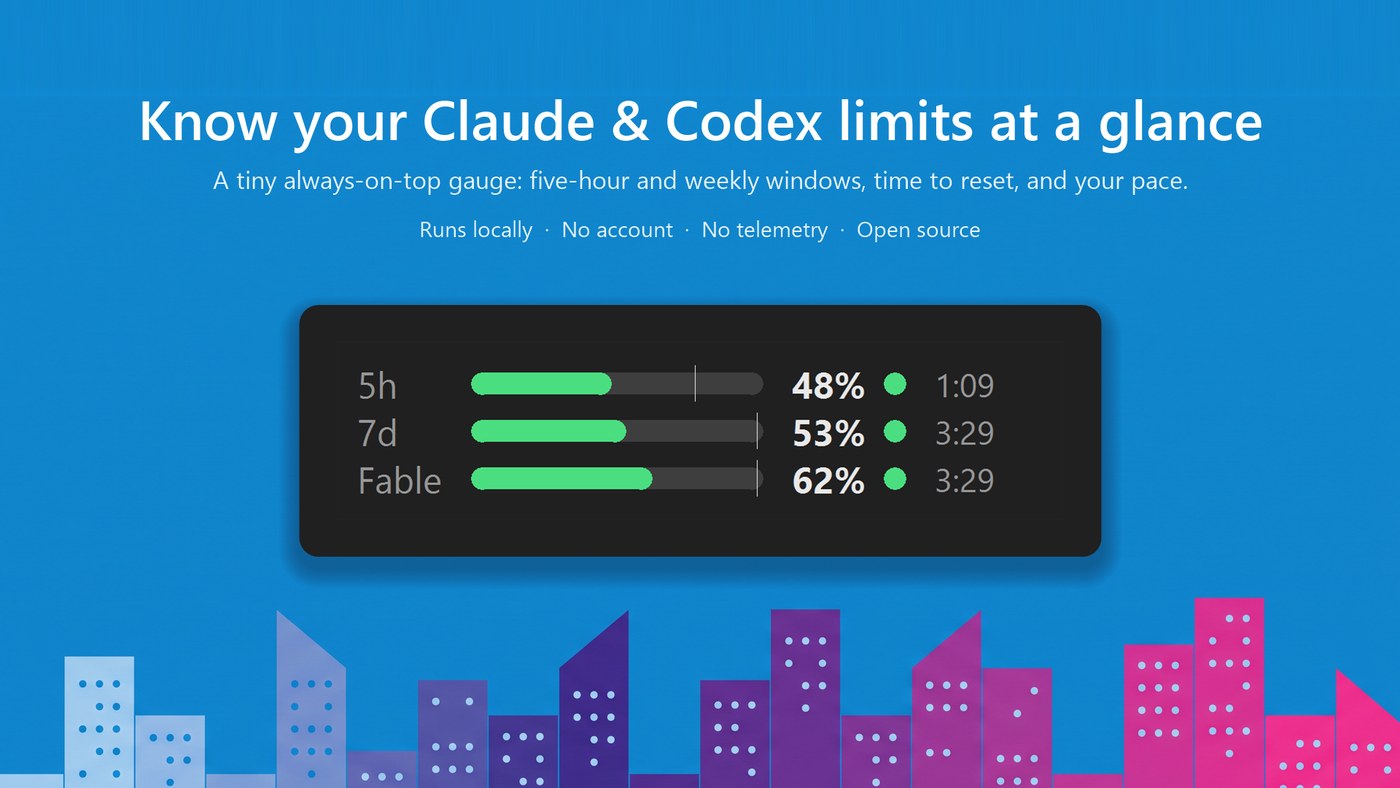
How much of your Claude Code and Codex limits is used, and whether what is left will last until the reset.
- The five-hour and the weekly window, each with its time to reset
- A pace marker on every bar: where the fill would be if you spent the limit evenly
- A status dot that says how it will end: green, it lasts; yellow, just barely; red, it runs out early
- A toast when a limit passes 50, 75 and 90 percent
- It stays above other windows, lives in the tray and never takes focus
Skins and palettes
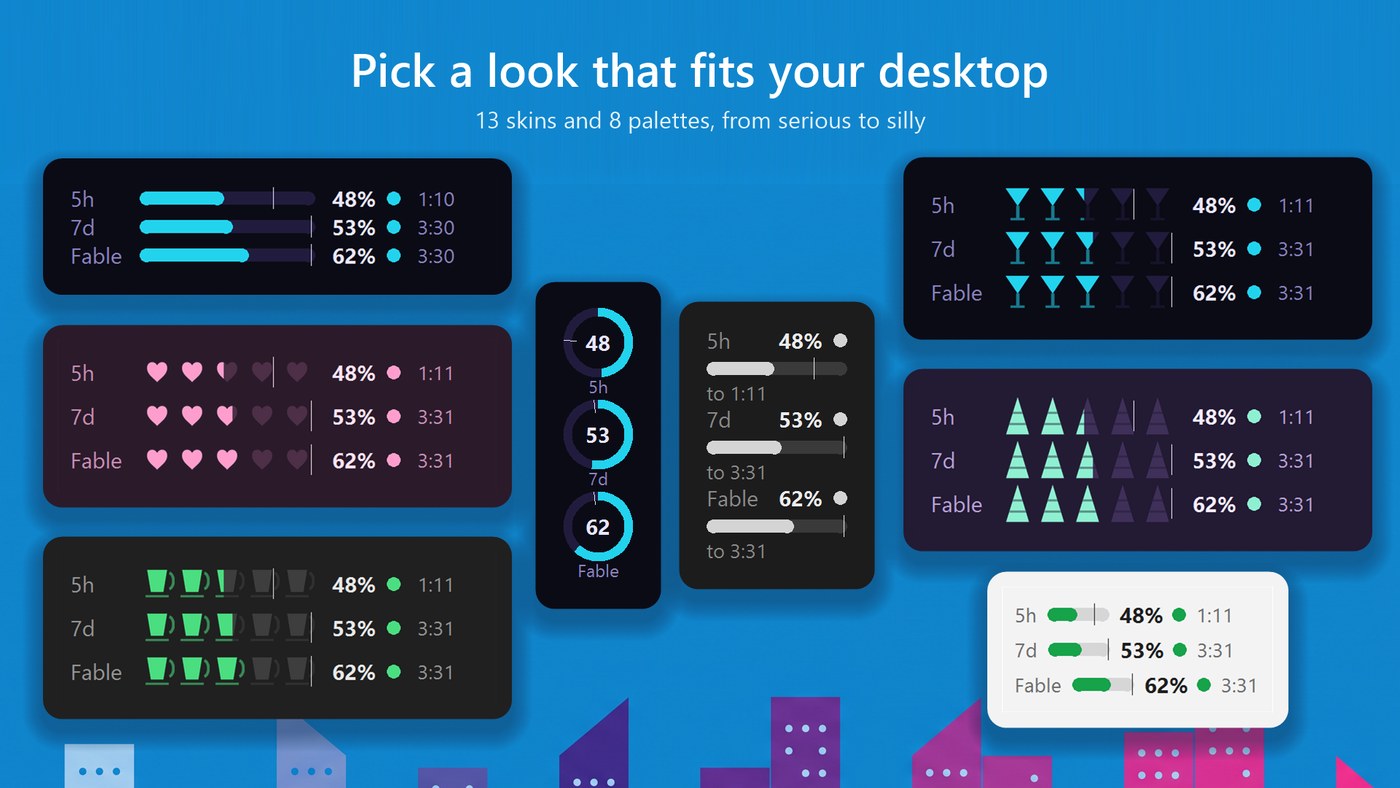
The same gauges, drawn the way you like them.
- 13 skins, from plain rows, rings and bars to hearts, coffee cups and cocktails
- 8 palettes, or the colours of your Windows theme
- Shuffle changes the skin and the palette on a timer, if you want a new one every day
- Ten languages: English, German, Spanish, French, Italian, Dutch, Polish, Brazilian Portuguese, Turkish and Ukrainian
The menu
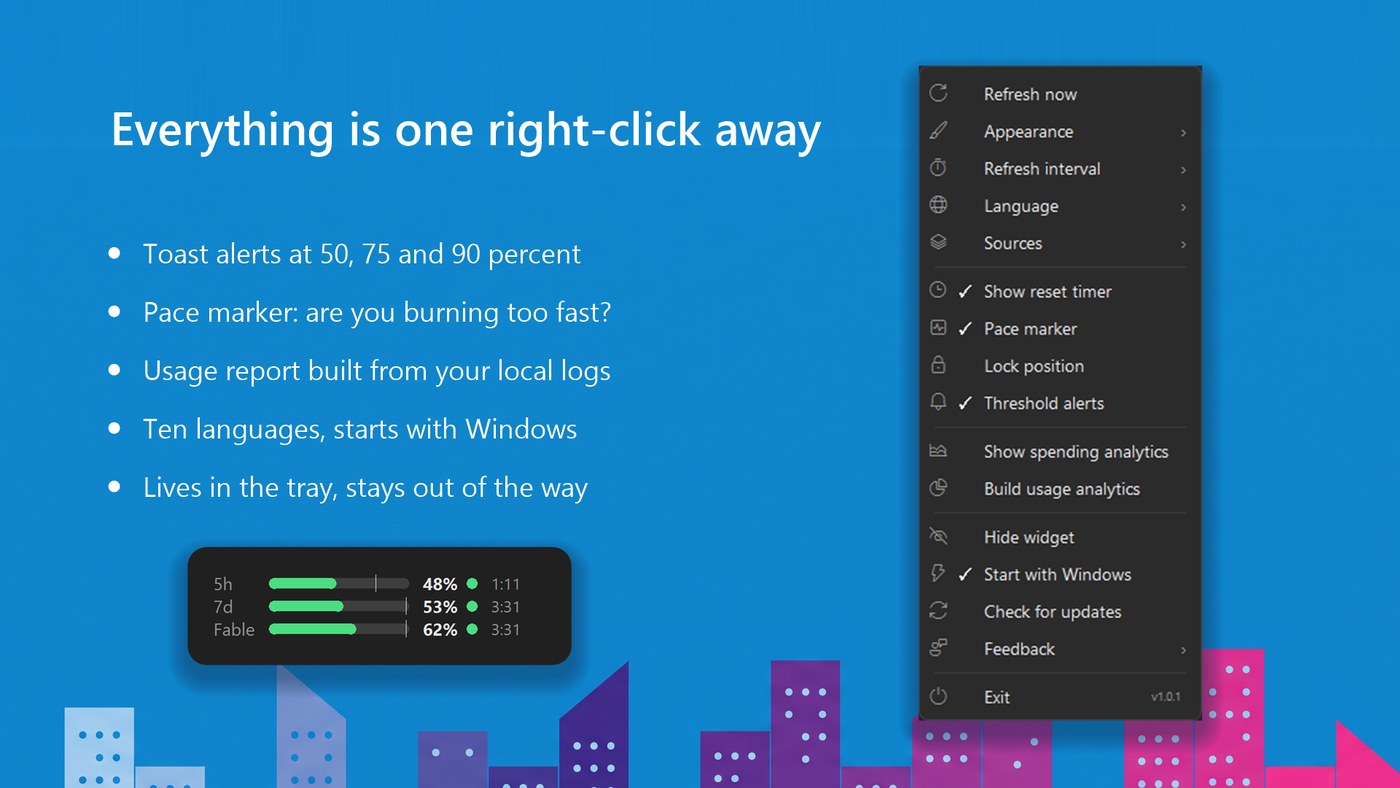
Everything is one right-click away. There is no settings window to find.
- Refresh interval from one minute to one hour, or double-click the widget to refresh now
- Sources: Claude and Codex, each switched on or off
- A usage report built from your local session logs, opened in your browser
- Start with Windows, lock the position, hide the widget
- Updates come from the Microsoft Store; the menu can ask for one right away
Runs on your machine
- It reads the credential file Claude Code keeps in your profile and the session logs Codex CLI writes there, read-only
- Your Claude token goes only to Anthropic's usage endpoint, the same way Claude Code itself uses it
- Codex limits are read from local logs, without the network
- No telemetry, no analytics, no crash reporting and no account
The widget's privacy policy · Source code on GitHub (MIT)
What you need
- Windows 10 (version 2004 or later) or Windows 11
- Claude Code, already signed in. Codex CLI is optional
- No admin rights
Feedback
A bug, an idea or a question: send it through the feedback form. No account needed.
Or write to support@aldatalabs.com, or open an issue on GitHub.
Get it from the Microsoft Store
AI Usage Monitor is built by AL Data Labs and is not affiliated with, endorsed by or sponsored by Anthropic or OpenAI. It relies on an undocumented Claude endpoint and on local log formats that may change. Claude and Codex are trademarks of their respective owners.